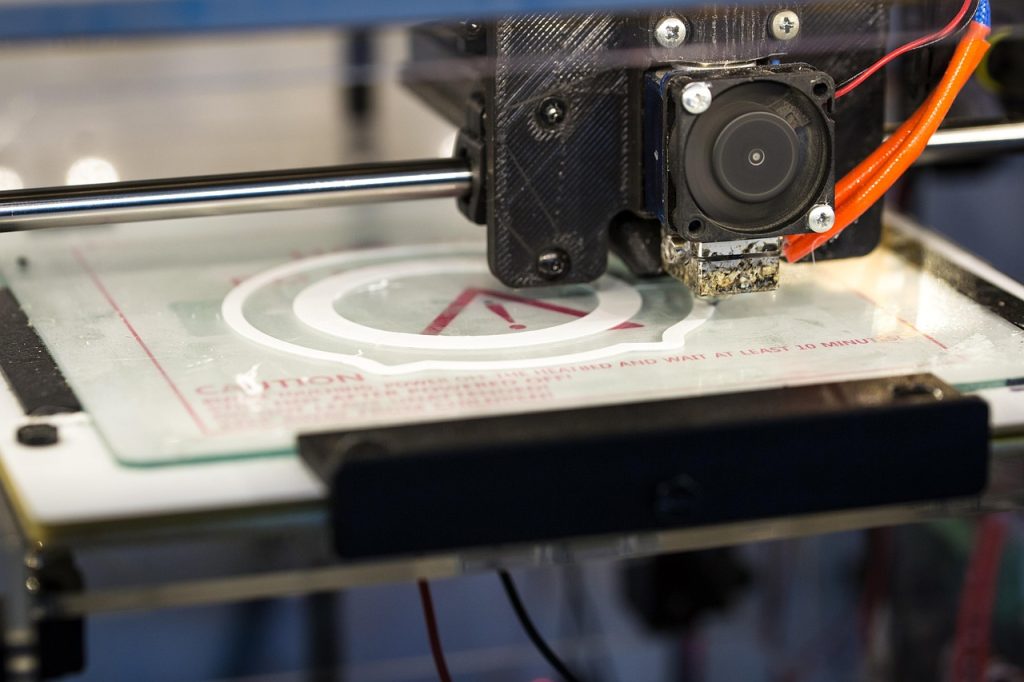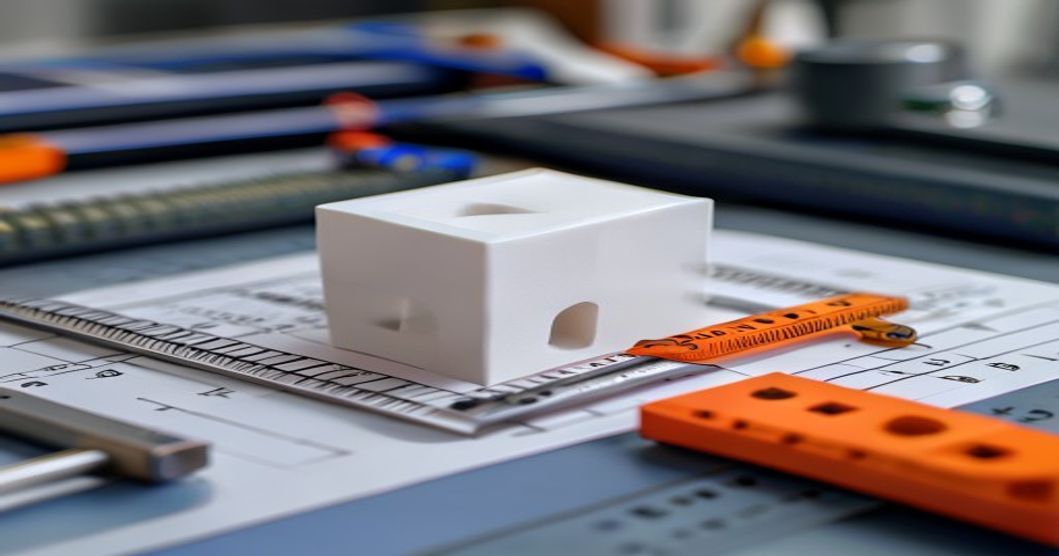
The 3d printer calibration cube is the single most commonly printed calibration object, yet it is also the most misunderstood. A cube that measures precisely 20x20x20mm indicates your printer is dialed in. A cube that measures 20.3×19.8×20.1mm reveals calibration drift that will ruin precision assemblies. This guide walks through printing, measuring, and interpreting calibration cubes for both new and experienced users.
What Is a 3D Printer Calibration Cube
A calibration cube is a simple geometric shape printed to verify that your 3D printer produces parts at the correct size. The standard is a 20mm cube with clearly labeled X, Y, and Z axes. After printing, you measure each dimension with digital calipers and compare against the design intent. Any deviation reveals scaling error, belt tension issues, or mechanical misalignment.
While the cube seems trivial, it is the foundation of dimensional accuracy. Every functional part you print will inherit the same dimensional errors present in your calibration cube until you correct them.
Why Calibration Cubes Matter
A 3D printed part is only as accurate as the machine that produced it. Common issues revealed by calibration cubes include:
- X/Y scaling error — Belts too loose or too tight, or incorrect steps-per-mm calibration
- Z-axis error — Lead screw pitch mismatch or layer height not dividing evenly into total height
- Diagonal shrinkage — Uneven cooling or frame not square
- Rounded corners — Excessive nozzle compensation or loose belts
- Elephant foot — First layer too squished or bed temperature too high

How to Print a Calibration Cube
Follow this workflow for a reliable calibration cube print:
- Download a standard cube — Use a known-good model (e.g., from Thingiverse or Printables) with clearly labeled axes and 20mm nominal dimensions
- Slice with standard settings — 0.2mm layer height, 20% infill, 3 perimeters, no supports, PLA at 200-210°C
- Disable any auto-scaling — Ensure slicer settings do not have X/Y/Z scaling enabled
- Print in the center of the bed — Avoid bed-leveling irregularities at the edges
- Allow full cooling — Measure only after the cube reaches room temperature; PLA continues shrinking for several minutes after printing
Measuring Your Calibration Cube
Use digital calipers with 0.01mm resolution. Measure each dimension in three places and take the average:
| Axis | Nominal (mm) | Acceptable Range | What Error Indicates |
|---|---|---|---|
| X | 20.00 | 19.95-20.05 | X-axis belt tension or steps/mm |
| Y | 20.00 | 19.95-20.05 | Y-axis belt tension or steps/mm |
| Z | 20.00 | 19.90-20.10 | Z-lead screw pitch or layer height math |
If your measurements fall outside these ranges, proceed to calibration corrections. A difference of 0.1mm or more requires immediate attention; small-batch production parts will not fit together reliably.
Correcting X and Y Axis Scaling
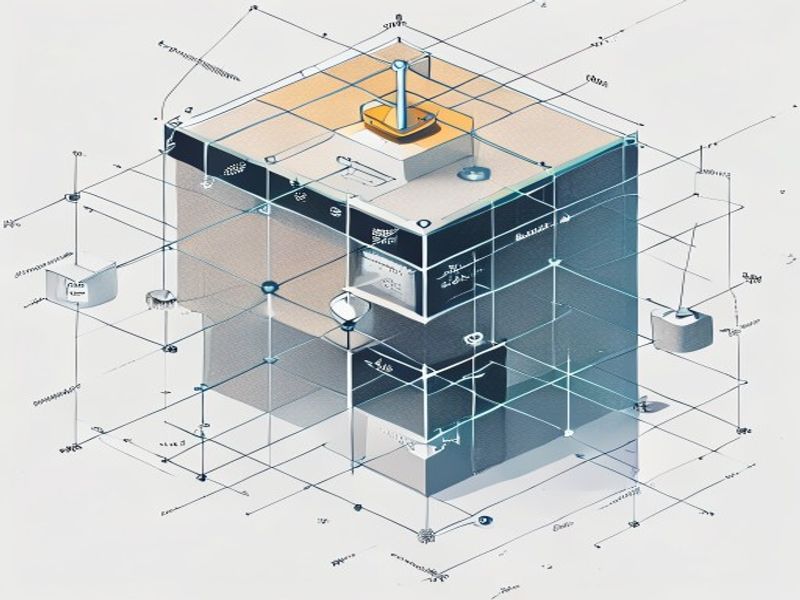
If the cube measures 20.3mm in X but should be 20.0mm, your printer is over-extruding in that axis. The correction process:
- Calculate the correction factor: 20.0 ÷ measured_value = steps_per_mm_multiplier
- Send M92 X[new_steps] Y[new_steps] to the printer (values depend on your hardware)
- Save with M500 (if EEPROM is enabled)
- Reprint the cube and remeasure
Repeat until all three axes fall within 0.05mm of nominal. Belt tension also affects this: too loose and the axis can skip steps; too tight and the motor struggles to move smoothly. Adjust belt tension so you can pluck it like a guitar string (approximately 100-120Hz for typical GT2 belts).
Why Choose Nylon Plastic for Your 3D Printing and Engineering Plastic Needs
With over 10 years of experience in engineering plastics, Nylon Plastic supplies high-performance materials to B2B clients worldwide. Our product range covers nylon (PA6, PA66, PA12), POM, PEEK, and 3D printing filaments including PLA, PLA+, and PETG. Every batch is tested for diameter tolerance (±0.03mm), moisture content, and mechanical properties before shipping.
- ISO 9001 certified manufacturing facilities
- Bulk supply with competitive B2B pricing
- Technical support for material selection and printing parameters
- Fast global shipping from multiple warehouses
- Custom material formulation available for OEM projects
Câu hỏi thường gặp
When is 3D Printer Calibration Cube: The Complete Step-by-Step Guide a good option?
3D Printer Calibration Cube: The Complete Step-by-Step Guide is a good option when fast iteration, complex geometry, low tooling cost, or low-volume production is more important than molded-part unit cost.
What should be checked before choosing 3D Printer Calibration Cube: The Complete Step-by-Step Guide?
Kiểm tra kích thước chi tiết, tính chất vật liệu, độ nhám bề mặt, dung sai kích thước, mức độ tiếp xúc với nhiệt, hướng tải trọng và xem có cần xử lý sau gia công hay không.
How does 3D Printer Calibration Cube: The Complete Step-by-Step Guide compare with CNC machining?
In 3D có thể tạo ra các hình dạng phức tạp một cách nhanh chóng, trong khi gia công CNC thường mang lại độ bền cao hơn cho các bề mặt chính xác, dung sai chặt chẽ hơn và sử dụng vật liệu đạt tiêu chuẩn sản xuất.
What affects the cost of 3D Printer Calibration Cube: The Complete Step-by-Step Guide?
Chi phí phụ thuộc vào vật liệu, thể tích in, thời gian in, độ dày lớp, việc tháo khung đỡ, hoàn thiện, kiểm tra và số lượng chi tiết trong mô hình.
Bài đọc liên quan
- Vượt ra ngoài mô hình khối hiệu chuẩn: Các phương pháp hiệu chuẩn máy in 3D nâng cao
- Quy trình ép phun: Hướng dẫn chi tiết từng bước
- Cách chọn đầu phun máy in 3D phù hợp với hệ thống của bạn
Tổng quan
| Thời điểm quyết định | What the Cube Reveals | Lưu ý dành cho người mua |
|---|---|---|
| Dimension error | X/Y/Z scale drift | Use it to validate dimensional accuracy |
| Đùn | Over- or under-extrusion signs | Check walls before releasing settings |
| Corners / holes | Pressure and motion behavior | Watch for ringing, elephant foot and hole drift |
| Cách sử dụng hiệu quả nhất | Quick calibration baseline | Do not ship parts from cube results alone |